Free Google Review Card Maker
Turn happy customers into 5-star Google reviews — one scan.
A Google review card sits on your counter or table and lets a happy customer leave a review in seconds. They scan the QR code, your Google review page opens instantly, and they tap the stars — no searching for your business, no typing your name. Businesses that put a review card at the point of sale routinely see review volume climb, because the ask happens at the exact moment of satisfaction. Print it, stand it up, and watch your rating grow.
Templates
Pick a style, add your logo and details, download print-ready.
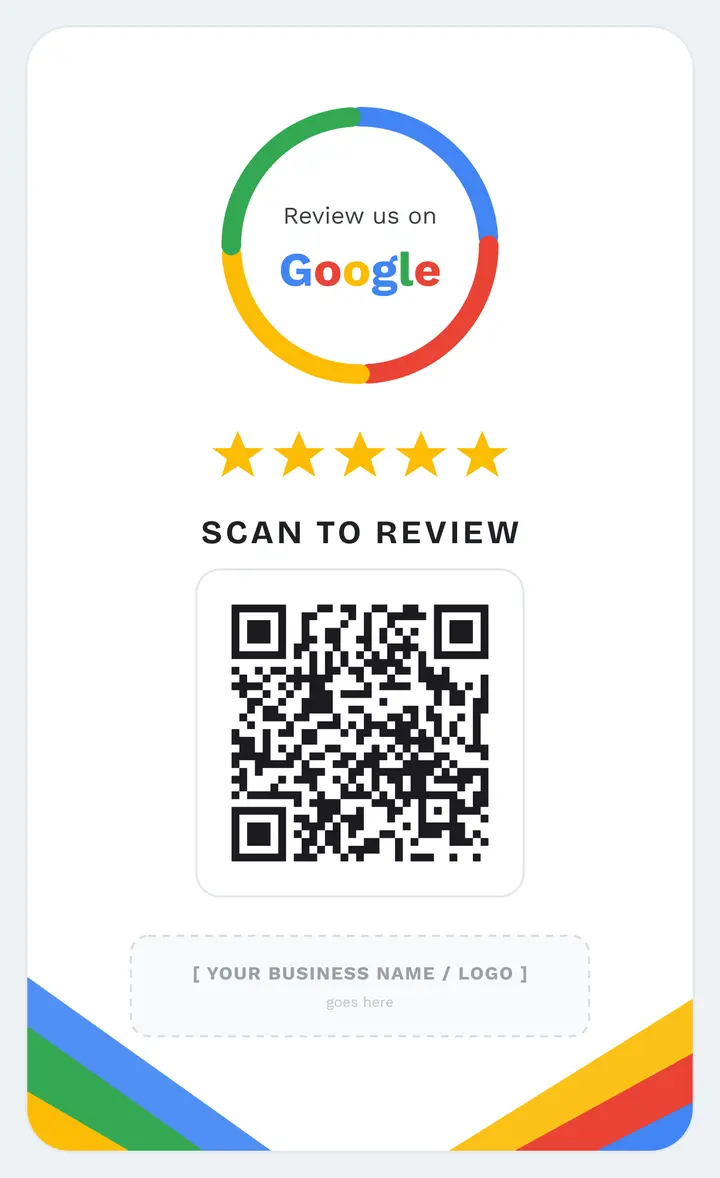
Light

Dark
How it works
Pick a light or dark template and add your logo and business name.
Paste your Google review link — the QR code points straight to your review page.
Download a print-ready file, place it at the counter, and start collecting reviews.
Where it works
Restaurants & cafés
Drop it on the table or by the register — diners review before they leave, while the experience is fresh.
Salons & clinics
Hand it over at checkout. One scan and your client is on your Google page tapping five stars.
Tradespeople & services
Keep one in your kit. Tap, scan, done — the review is captured on site, not forgotten later.
Frequently asked
Does the customer need an app to scan it?
No. Every modern iPhone and Android camera reads QR codes natively — they just point the camera and tap the link that appears.
Is filtering bad reviews allowed?
No, and we don't do it. Google's policy forbids review gating. Our card sends every customer straight to your public review page — fully compliant.
Can I change my review link later?
Yes. With a Pro dynamic card you can re-point the QR code anytime without reprinting — useful if your Google listing URL changes.