Invoice QR Card — Scan to Pay
Let customers view and pay their invoice with one scan.
An invoice card carries your company details and a QR code that opens the customer's invoice and payment page. Hand it over or attach it, they scan, and they can review the amount and pay online in seconds — no portal logins, no chasing. The template puts your logo, company name and tax details up top and your address at the bottom, exactly where a professional invoice expects them, so the card doubles as a clean, branded payment prompt.
Templates
Pick a style, add your logo and details, download print-ready.
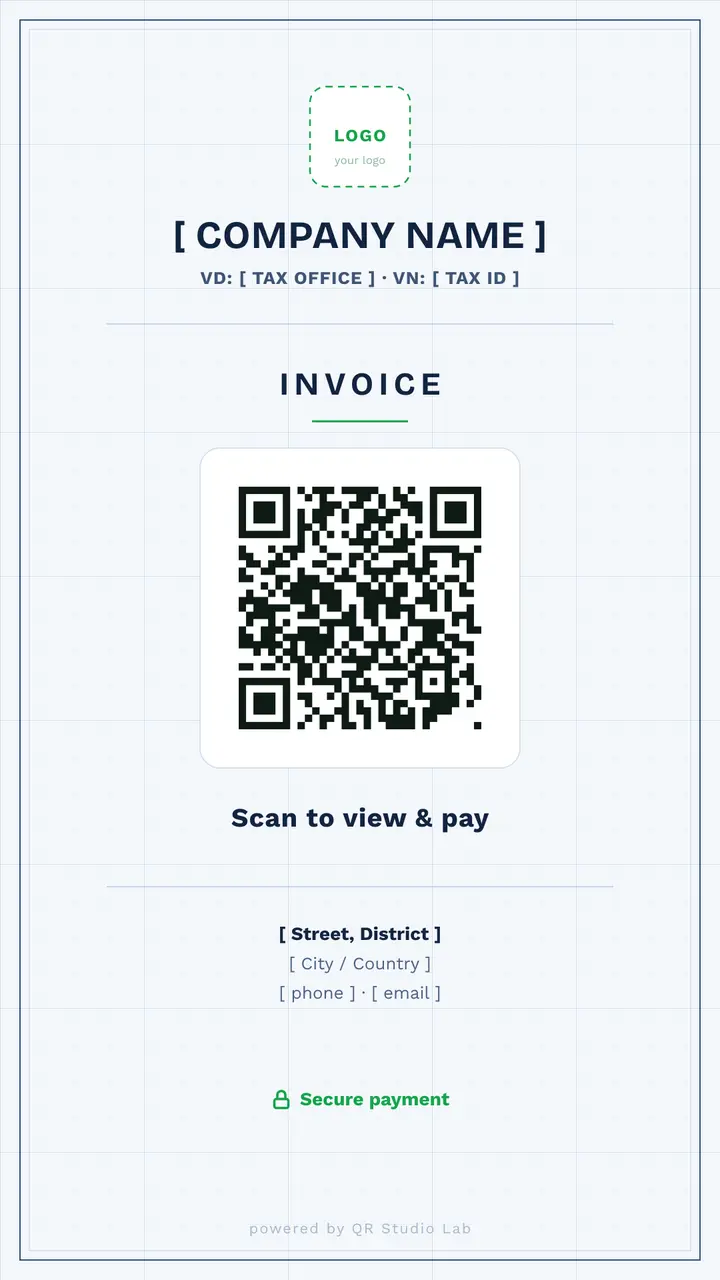
Light
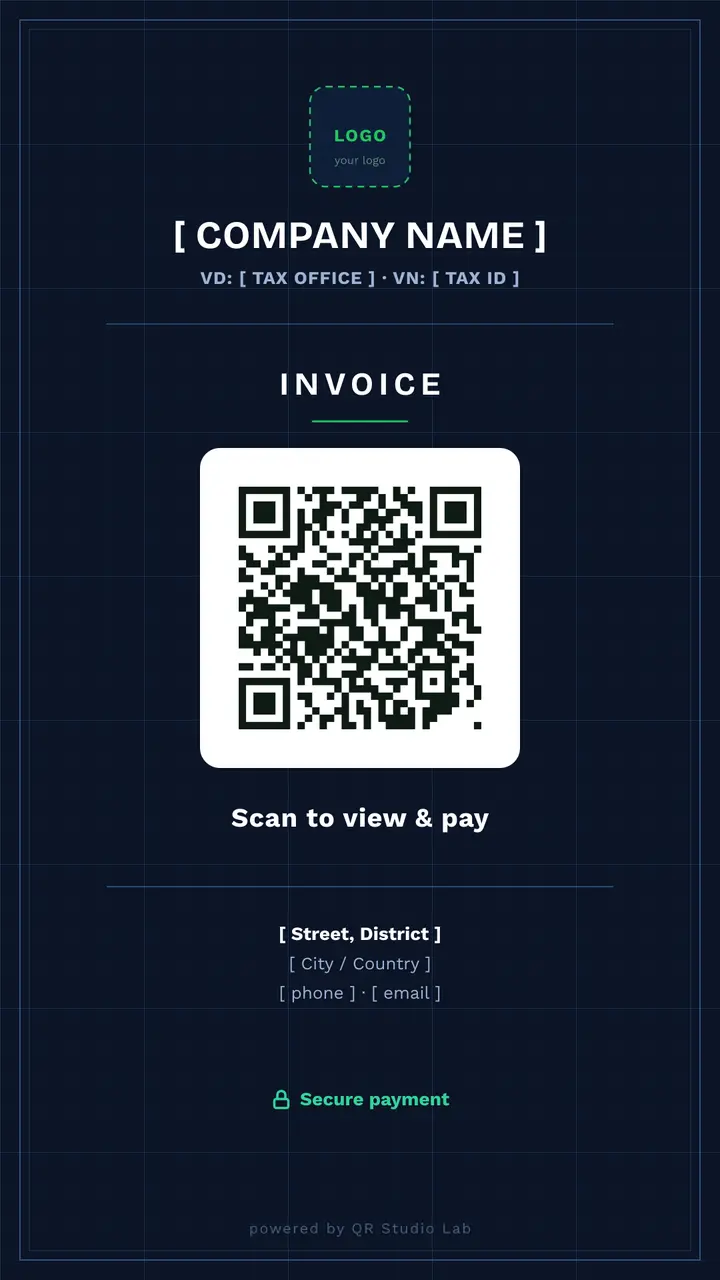
Dark
How it works
Pick a light or dark template and add your logo, company name and tax details.
Link the QR code to your invoice or payment page.
Download, attach to the invoice or hand it over, and get paid faster.
Where it works
Freelancers & agencies
Attach a scan-to-pay card to every invoice — clients settle in seconds, not days.
Trades & on-site services
Leave a payment card after the job; the customer pays before you've left the driveway.
Small businesses
A branded, professional payment prompt that replaces read-aloud IBANs and manual transfers.
Frequently asked
Where does the QR code send the customer?
To whatever invoice or payment page you choose — a hosted invoice, a payment link, or your own billing portal.
Can I reuse one card for different invoices?
Yes. With a dynamic card you keep one printed code and re-point it per invoice from your dashboard — no reprinting.
Is it secure?
The card only links to your payment page; no card details are stored in the QR code itself. Payment happens on your secure provider's page.